How to create AI-generated UGC-style videos
Turn a product image into a user-generated-content-style video using a video studio and AI tools.
A practical guide by talkiebot. Images and examples are illustrative; the interface and options may vary by plan and settings.

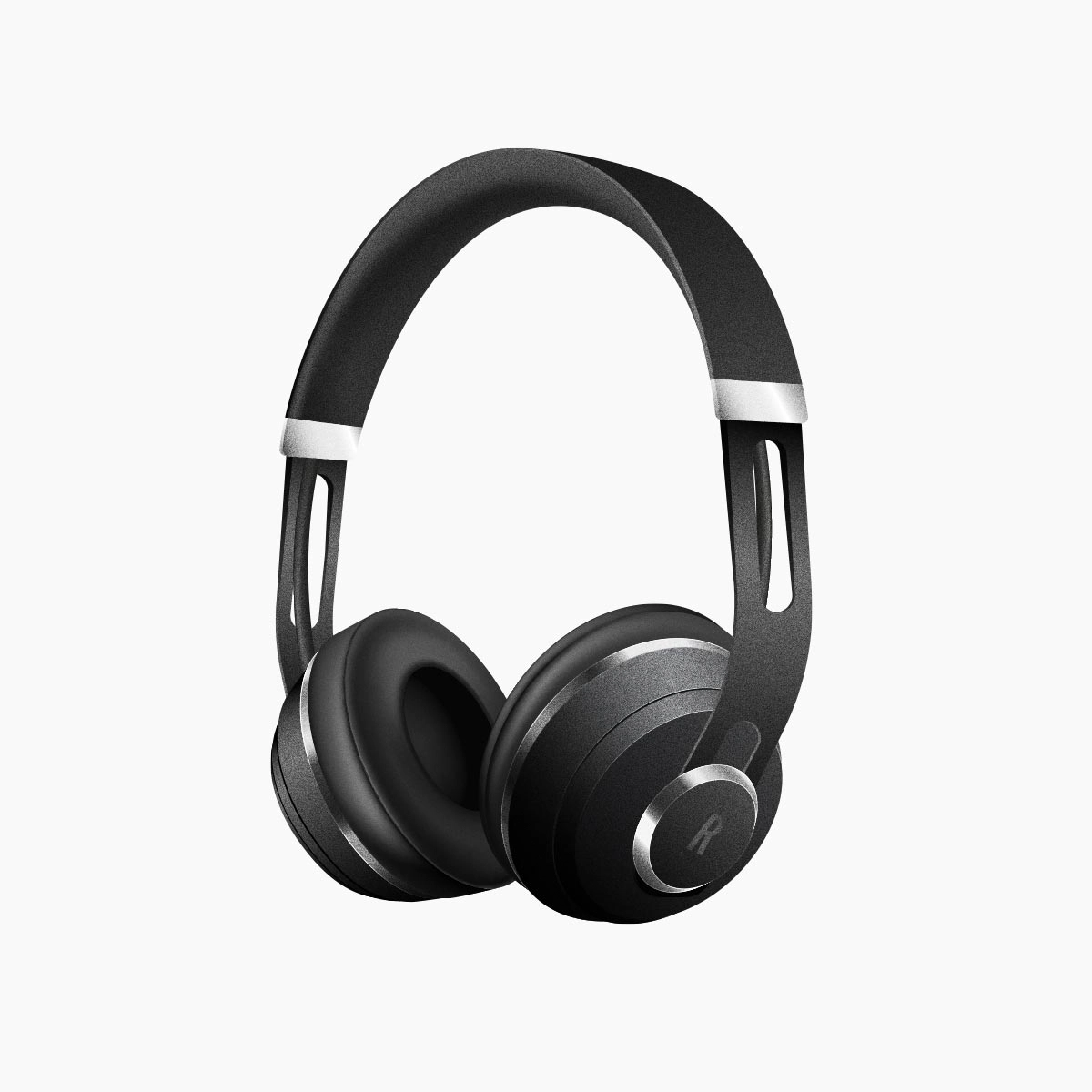
Prepare the product and script
Choose a clear image you have rights to use. Write a short script: hook, product showcase, then a call to action. Avoid unsupported product claims.
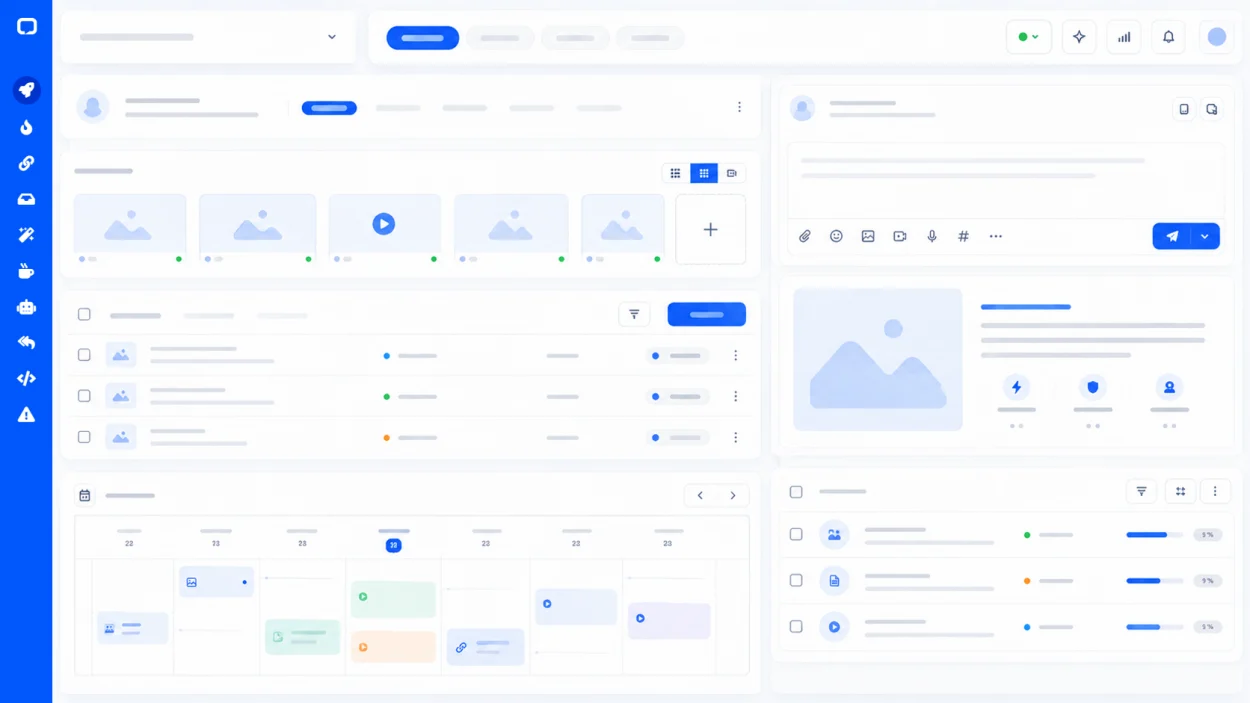
Choose the UGC style
In the video studio, choose UGC style if available and add the image and description. Select the scene, character and voice according to model options and available balance.
Review the video before publishing
Review product appearance, text accuracy, audio and channel dimensions. Edit or regenerate as needed, then save the video or publish and schedule it if supported.
Practical example
Sample wireless-headphone video concept
Show example
A close-up of the headphones, then a person showing how to wear them, followed by an invitation to view product details. This is a scripted concept, not a real customer testimonial.
Check generation costs and image and voice rights, and disclose synthetic content where appropriate. Do not present it as a genuine customer testimonial.