How to automate social media page management
Plan, create and schedule content, and organize message and comment replies while retaining human review.
A practical guide by talkiebot. Images and examples are illustrative; the interface and options may vary by plan and settings.


Prepare your brand and content plan
Define the brand, colors, voice and audience. Use the content agent to prepare a weekly plan, or the content radar to discover suitable topics according to your settings.
Create content and schedule publishing
Prepare copy and an image or video, review offer and price accuracy, and select the page and time. Use the publishing calendar to review supported posts and stories.
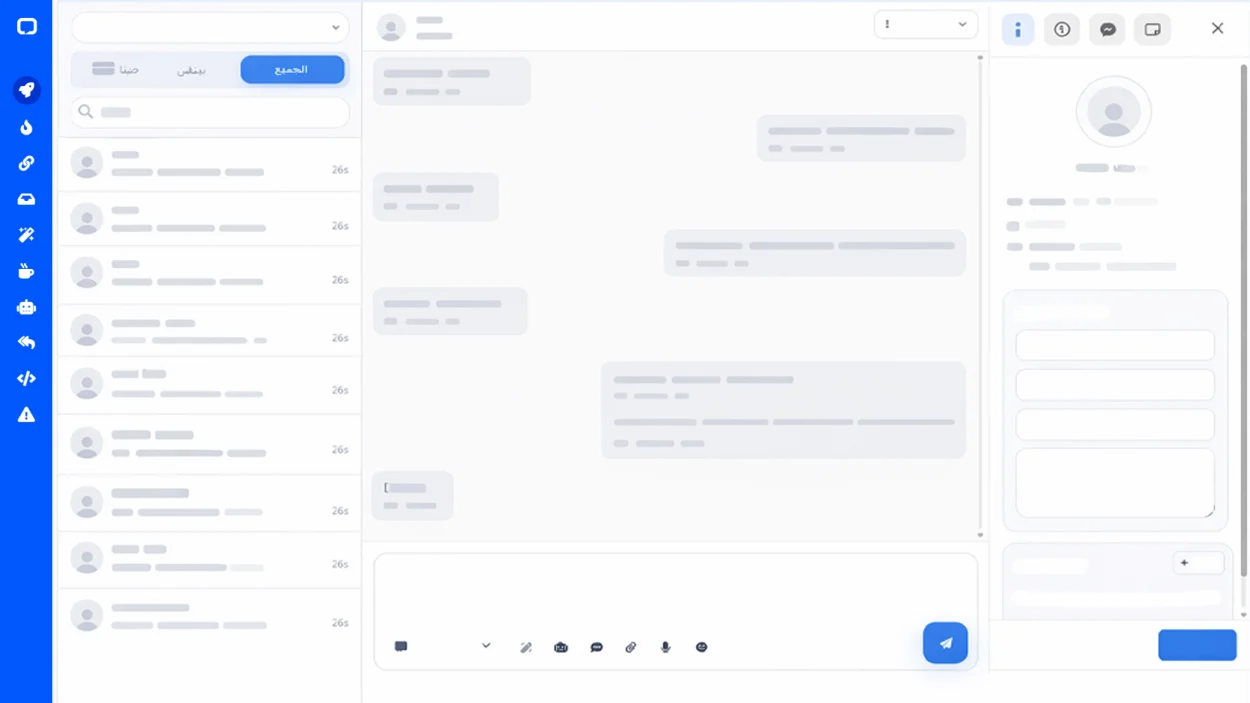
Organize messages and comments
Configure the agent and comment campaigns for available channels, and review replies in the inbox. Assign conversations to staff when needed; do not leave sensitive cases solely to automation.
Practical example
Example weekly store schedule
Show example
Sunday: product introduction post. Tuesday: product showcase video. Thursday: weekly offer story. Review each item before publishing or choose direct execution where appropriate.
Check page connections, publishing status, usage limits and Meta policies. Automation does not guarantee reach or sales.