How to handle hundreds of social media messages and comments
Organize recurring inquiries, use appropriate automated replies and route complex conversations to staff instead of answering every message manually.
A practical guide by talkiebot. Images and examples are illustrative; the interface and options may vary by plan and settings.
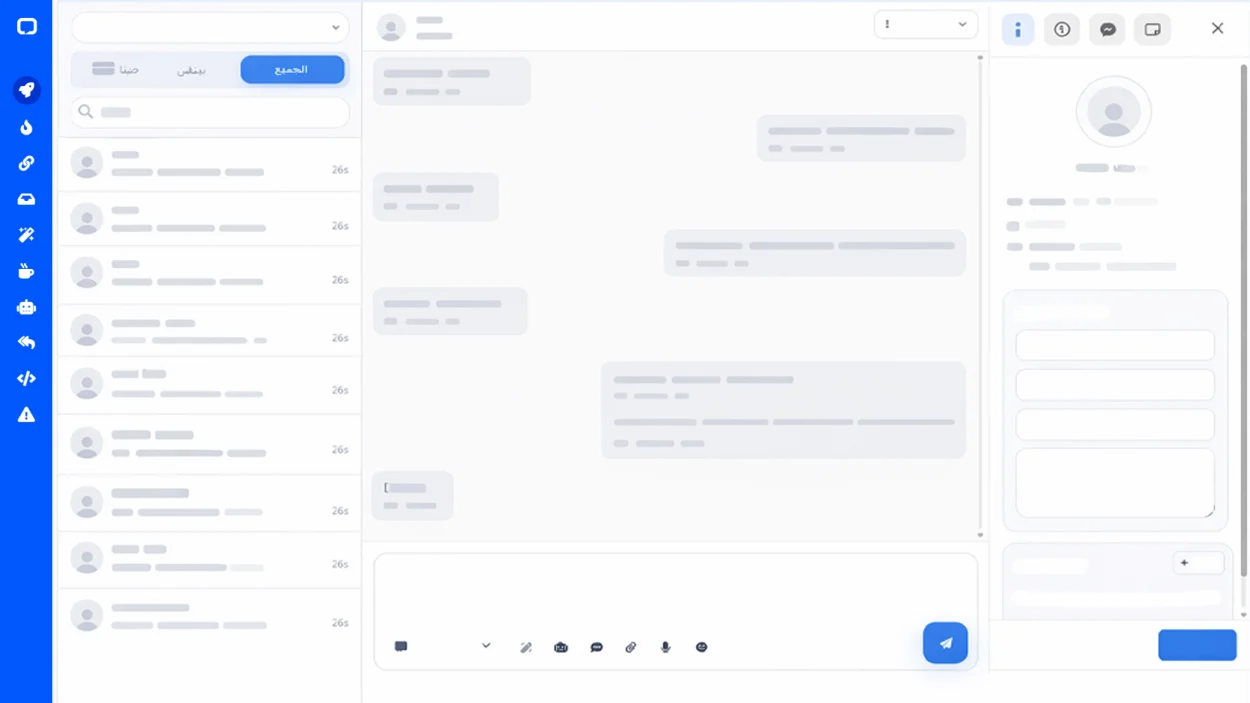
Centralize conversations and organize your team
Track Messenger, Instagram, website conversations and connected-page comments in a shared inbox. Assign conversations according to team responsibilities and permissions, and use internal notes to clarify follow-up.
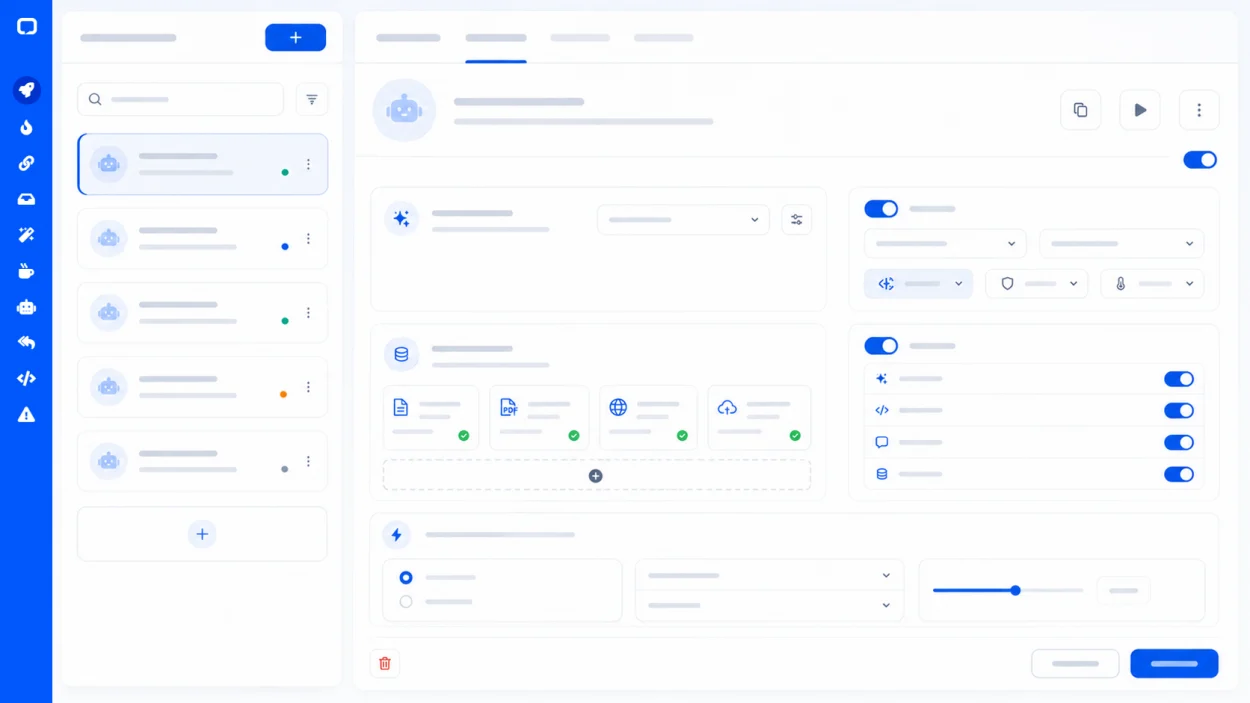
Automate recurring questions and replies
Train an AI agent on business information. Connect it to a talkiebot store for current prices and availability. Configure comment campaigns, keywords and public or private replies according to Meta rules and availability.
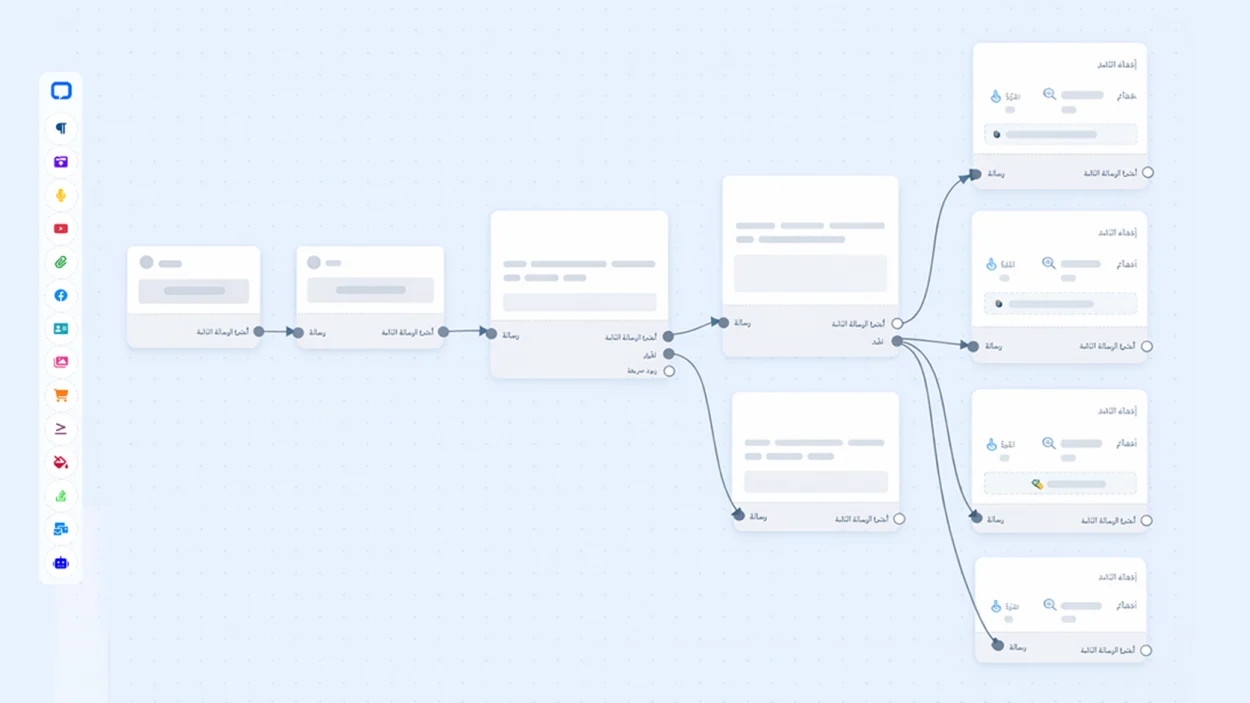
Create a human handoff path
Test complaints, returns and unknown questions. Use conversation-level bot controls as needed, and review staff replies before sending with wording and tone enhancement tools.
Practical example
A customer asks about price and stock
Show example
Customer: How much are the black headphones, and are they available? Store-connected agent: Yes, they are currently available in black for EGP 850. If the customer requests a return, staff follow up under the business policy. The example price is hypothetical.
Monitor unhandled conversations, reply accuracy, plan limits and messaging policies. Do not assume every message needs an automated reply or that WhatsApp automation is supported.