How to turn customer inquiries into purchase orders
Make prices and availability clear, simplify product selection and order preparation, and let your team handle special cases.
A practical guide by talkiebot. Images and examples are illustrative; the interface and options may vary by plan and settings.
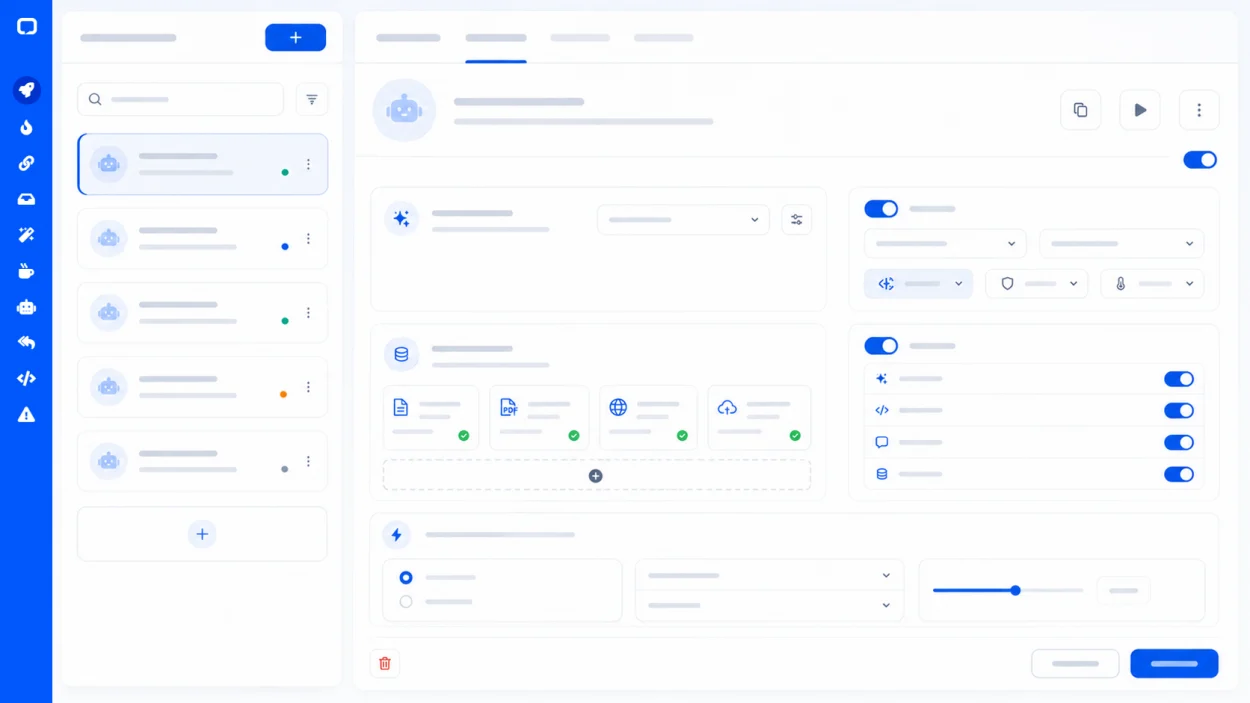

Present product information clearly
Create a catalog with current images, prices, specifications and stock, and add supported variants. Share the store link so customers can browse and prepare a cart without repeatedly requesting photos.
Answer with current prices and availability
Connect the AI agent to a talkiebot store and test answers about color, price, size and stock using current data. When information is missing, refer the customer to staff instead of inventing a price or incorrect confirmation.
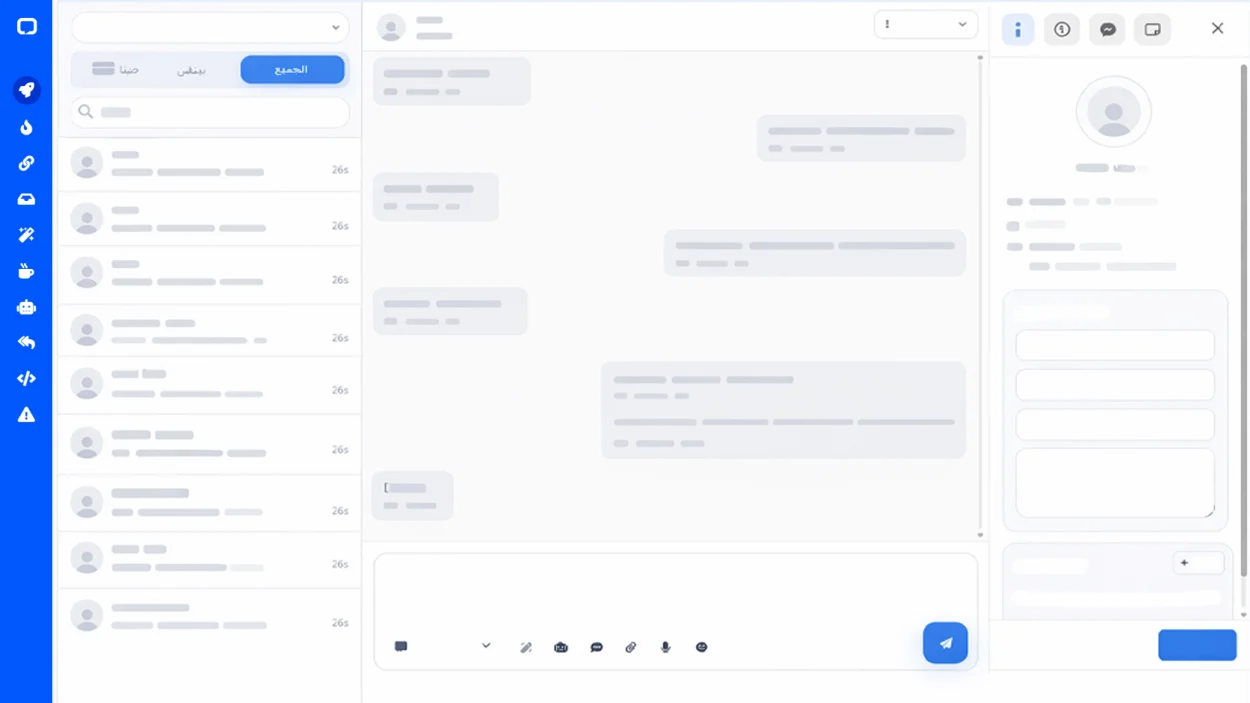
Simplify order preparation and follow-up
Allow product selection from the cart and order preparation via WhatsApp or Messenger according to store settings. Follow inquiries in the inbox and review order details with the customer before confirming payment or delivery.
Practical example
From a product question to order preparation
Show example
Customer: Are the headphones available in black and how much are they? Agent: Yes, they are currently available in black for EGP 850. You can select them and add them to your cart using the store link. The price is hypothetical; final confirmation follows the business process.
Measure the share of qualified inquiries that become confirmed orders, not just message volume. Do not assume automated payment, shipping or WhatsApp Business API automation; increased sales are not guaranteed.